
NEXA IPTV APPS
The right player for every screen.
Choose your device first. We’ll help you use a compatible player and the service details supplied with your subscription.
DEVICE DIRECTORY
Start with the screen in front of you.
Pick the hardware you already own, then continue to a compatible player or ask support for the recommended setup.
Android TV
Fire TV
iPhone / iPad
Android Mobile
Windows / macOS
AVAILABLE SETUPS
Apps and player routes managed from the control desk.
Download links and downloader codes appear only when they have been added in Admin.
Smart TV Player
Ask support for the recommended compatible player and setup route.
No code required
Ask support ↗Android TV Player
Ask support for the recommended compatible player and setup route.
No code required
Ask support ↗Fire TV Player
Ask support for the recommended compatible player and setup route.
No code required
Ask support ↗iOS Player
Ask support for the recommended compatible player and setup route.
No code required
Ask support ↗Android Mobile Player
Ask support for the recommended compatible player and setup route.
No code required
Ask support ↗Desktop Player
Ask support for the recommended compatible player and setup route.
No code required
Ask support ↗SETUP FLOW
Three steps. No technical maze.
The exact app varies by device. The setup flow stays simple.
Tell us your device
Smart TV, Android TV, Fire TV, mobile or desktop — device choice comes first.
Use a compatible player
We point you toward a suitable app/player for your device and explain the installation route.
Enter your access details
Use the service details supplied with your subscription and start browsing your catalogue.
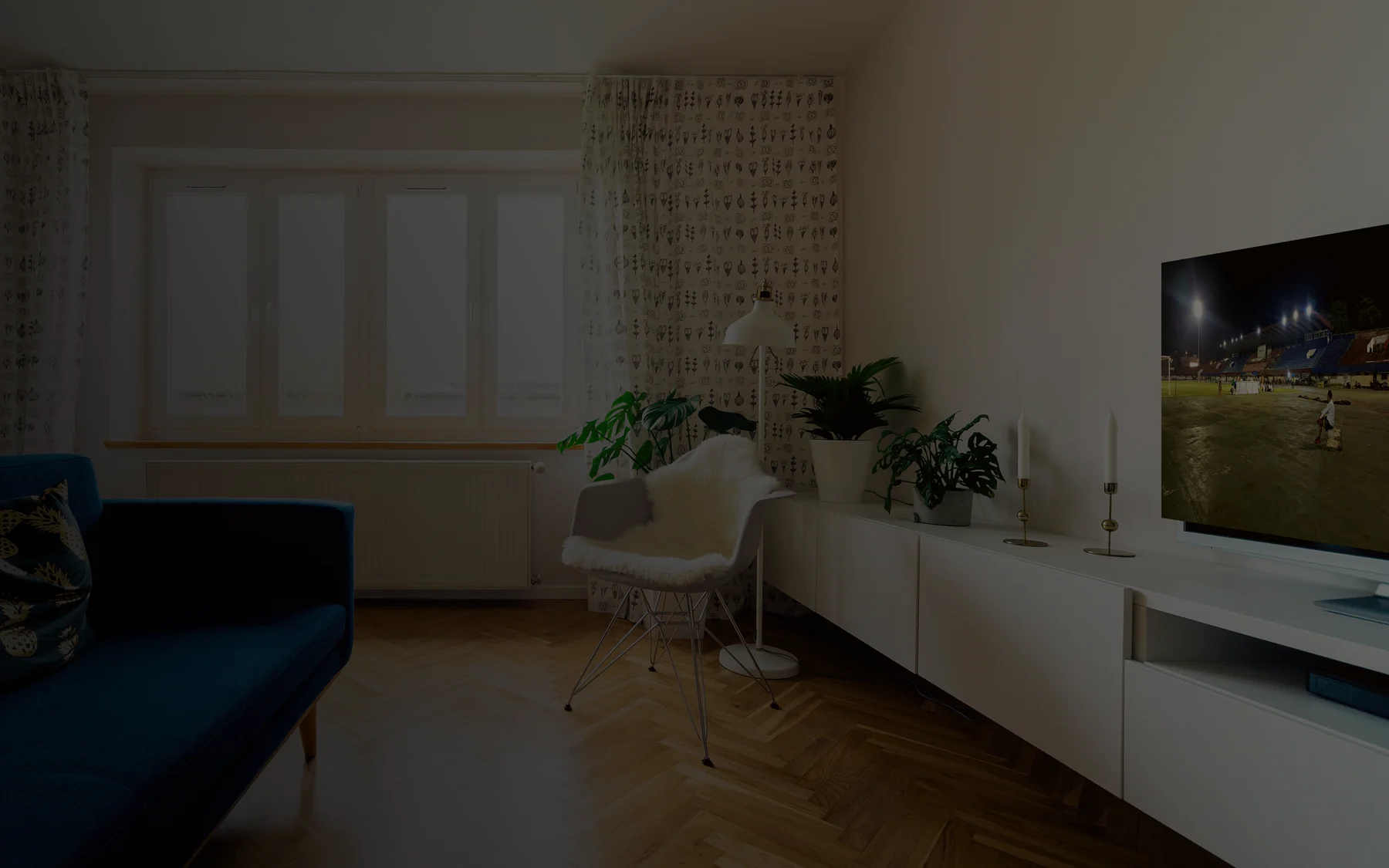
TV-FIRST EXPERIENCE
Designed to feel at home on a big screen.

MOBILE
Take your library with you.
Compatible mobile apps make browsing practical on phones and tablets.

DESKTOP
Watch from a laptop or PC.
Supported desktop players give you another way to use your subscription.
NEED THE APP?
Tell us your device. We’ll point you the right way.
Send the exact TV, box, phone or computer type on WhatsApp and ask for the compatible setup.
Ask for my device ↗